
6 Top Remote Access Software Tools for IT Professionals
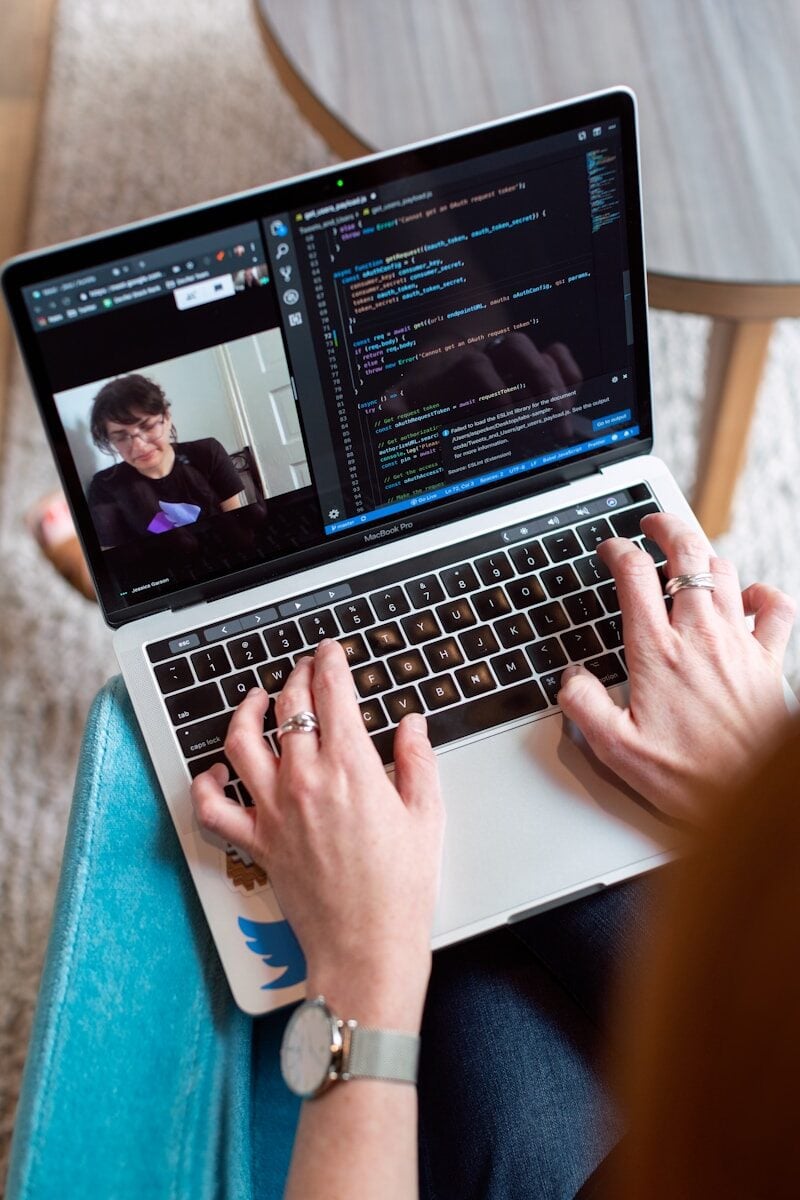
IT professionals operate in environments where fast, secure, and reliable device access is not a convenience; it is a core operational requirement. Whether supporting a distributed workforce, troubleshooting endpoints across multiple sites, or managing infrastructure after hours, the remote access tool an IT team uses directly impacts response times, security posture, and overall efficiency.
This listicle covers six of the strongest remote access platforms available to IT professionals in 2026, evaluated on the criteria that matter most to technical users: performance, security controls, manageability, and scalability.
Splashtop Enterprise
Splashtop leads this list for IT teams that need a purpose-built remote access platform balancing depth of functionality with ease of deployment and transparent pricing. It delivers high-definition, low-latency connections to Windows, Mac, Linux, iOS, and Android endpoints, with performance that holds up well under constrained network conditions.
For IT departments, the top remote access software for IT includes single sign-on via SAML, Active Directory and LDAP integration, granular role-based access permissions, remote wake and reboot, session recording, SIEM logging, multi-monitor navigation, and a centralized admin console providing full visibility across the managed device estate.
Splashtop holds SOC 2 Type II, HIPAA, GDPR, and ISO 27001 certifications, making it suitable for IT teams in regulated industries. An on-premises deployment option is available for organizations with strict data residency requirements, and the Splashtop for MSPs offering adds multi-tenant management and attended support functionality.
NinjaOne Remote
NinjaOne has built strong traction among IT teams and managed service providers seeking a unified platform that combines endpoint management with remote access in a single console. NinjaOne Remote is part of the broader NinjaOne RMM platform, which also covers patch management, alerting, scripting, and backup.
For IT professionals wanting to avoid context-switching between separate RMM and remote access tools, NinjaOne offers a compelling consolidation play. One-click remote access directly from the device management console, combined with automated alerting and scripted remediation, means technicians can move from detection to resolution without leaving the platform. Pricing scales with managed device count, which suits MSP billing models well.
ConnectWise ScreenConnect
ConnectWise ScreenConnect is a well-established remote access and support platform with a strong following in the MSP and IT services space. Its concurrent session licensing model makes it particularly efficient for helpdesk teams handling multiple simultaneous support sessions, and the platform supports both attended and unattended access across all major operating systems.
ScreenConnect offers deep customization including white-label branding, granular permission sets, and robust audit logging. The on-premises deployment option appeals to IT organizations with strict control requirements. For teams already embedded in the ConnectWise PSA and RMM ecosystem, ScreenConnect integrates naturally, reducing the friction of managing separate vendor relationships.
Microsoft Remote Desktop and Windows App
For predominantly Windows-based environments already running Azure Active Directory or on-premises Active Directory, Microsoft’s native remote desktop capabilities offer deep integration. The Windows App supports connections to Azure Virtual Desktop, Windows 365 Cloud PC, and traditional RDP endpoints.
Within a managed Microsoft environment, IT administrators can enforce Conditional Access policies, require MFA for remote sessions, and integrate with Intune for device compliance checking before access is granted. This level of native integration is difficult for third-party tools to replicate within a Microsoft-first stack. Organizations managing mixed-OS environments or supporting BYOD users on non-Windows devices will find meaningful gaps in cross-platform support.
Dameware Remote Everywhere
Dameware Remote Everywhere, part of the SolarWinds portfolio, is designed specifically for IT helpdesk and support scenarios. It offers fast connection establishment, session recording, multi-monitor support, remote command line access, system diagnostics, and integrations with ITSM platforms including ServiceNow and Zendesk.
For IT teams managing large volumes of support tickets and looking for tight ITSM integration, Dameware reduces context-switching between the ticketing system and the remote session tool. The reporting and audit capabilities are solid, providing the session logs and activity history that compliance-conscious IT departments require.
Network monitoring sits alongside remote access as a core discipline for IT professionals. TechRepublic’s guide to network monitoring tools helps IT teams evaluate complementary infrastructure visibility platforms, since remote access and network observability work in tandem when diagnosing distributed infrastructure issues.
ManageEngine Remote Access Plus
ManageEngine Remote Access Plus is a dedicated remote access solution built for IT support teams managing Windows, Mac, and Linux endpoints across distributed environments. It provides both attended and unattended access, Wake-on-LAN, remote shutdown and reboot, file transfer, session recording, and a built-in diagnostic toolset that lets technicians gather system information without disrupting the end user.
For IT departments that already use ManageEngine products such as ServiceDesk Plus or Endpoint Central, Remote Access Plus integrates natively, reducing the overhead of managing a separate vendor relationship for remote connectivity. Role-based access controls and detailed audit logs help IT administrators maintain compliance and demonstrate accountability during security reviews. The platform is available in both cloud and on-premises deployment models.
Security requirements are increasingly shaping platform decisions across the IT industry. TechRepublic’s coverage of IT security trends illustrates how identity and access management have moved to the center of enterprise security strategy, a shift that directly influences how IT teams evaluate, configure, and audit their remote access tooling.
Selecting a Remote Access Tool for IT Use
The best platform for an IT team depends on the operational context. MSPs benefit from concurrent session licensing, white-label branding, and ITSM integrations. Internal IT departments managing a fixed device estate typically favor RMM integration, granular permission models, and centralized audit logging. Organizations deeply invested in the Microsoft ecosystem may find native tooling sufficient, while those with mixed environments or multi-tenant requirements almost always benefit from a purpose-built third-party solution.
Any platform chosen for IT use should provide demonstrable audit trails, MFA enforcement at the session level, and the ability to revoke access instantly when staff or contractor relationships change.
Frequently Asked Questions
What separates a remote access tool built for IT professionals from one built for general business use?
IT-oriented platforms typically offer RMM integration, scripted remediation, multi-tenant management, concurrent session licensing, and detailed audit logging that general business tools omit. They also support a broader range of operating systems and network environments, including unattended access to servers and infrastructure devices.
How important is session recording for IT remote access tools?
Session recording is critical for IT teams with compliance obligations or those operating in regulated industries. It provides a verifiable record of what actions were taken during a remote session, which is valuable for security auditing and dispute resolution. Most enterprise-grade platforms include it as a standard feature.
Should IT teams prefer cloud-hosted or on-premises remote access deployment?
Cloud-hosted tools offer faster deployment, lower maintenance overhead, and reliable connectivity without VPN dependency. On-premises deployment gives complete control over data residency and connection infrastructure, which matters most in highly regulated environments. Several leading platforms, including Splashtop, support both models.