
How a PSU calculator helps gamers choose the right power supply in 2026
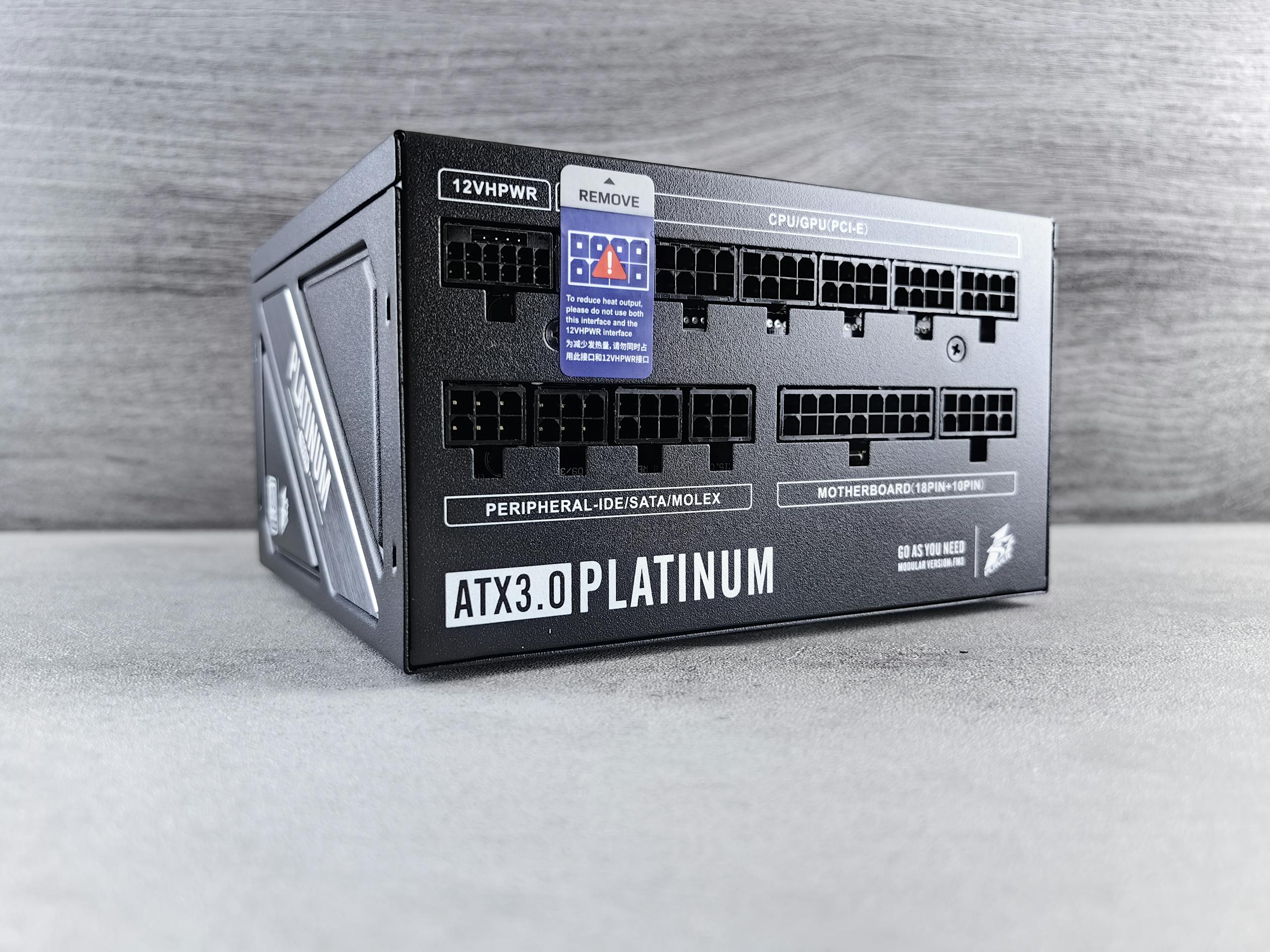
What is PSU wattage in 2026
A PSU wattage is the maximum amount of power a power supply can deliver to your PC components. Talking about gaming PCs, they require powerful CPUs, GPUs, and cooling to run next-gen games and broadcasts in high quality without any glitches.
That’s why PSU wattage for game sessions and streaming is very important when choosing the optimal power supply, as this factor directly affects the overall PC productivity and longevity of its components. To know how much power exactly your PC build needs – use the PC wattage calculator to choose a perfect PSU that fits you best.
Understanding real gaming PC power consumption
The actual power draw of a gaming PC is often different from what component specifications suggest. For ordinary gaming builds, 500W is usually enough. For high-performance games, at least 700W will be necessary. Complex game workstations and streaming systems with a combination of a high-end CPU and GPUs require a PSU between 850W and 1000W. An ultra-professional PC for streaming may require 1200W or even higher.
In real scenarios, gaming system power consumption can reach 400W. But even though short power peaks can go much higher when you run your system at maximum. Therefore, the optimal power rating for a PSU to handle gaming sessions would be 850W and above.
Recommended PSU wattage for entry-level, mid-range, and high-end gaming builds
For every type of PC build, the PSU wattage recommendations look like these:
- Entry-level PCs – 550W–650W.
- Mid-range builds – 650W–850W.
- High-end gaming builds – 850W–1200W.
Also, keep in mind that all depends on the hardware setup and future upgrade plans.
How modern GPUs and CPUs affect power requirements
The GPU and CPU are the core gaming PC components. That’s why they first set the wattage requirements for the power supply among the other PC components. They consume the most energy in the system and can create peak loads above baseline consumption. Therefore, the PSU must have sufficient power reserves and appropriate power connectors for modern GPUs. As CPUs and GPUs become more powerful, having a PSU that can support them efficiently is crucial for long-term system reliability.
ATX 3.1, PCIe 5.1, and the rise of power spikes
Power spikes of modern GPUs can expose PSU limitations significantly. As user feedback shows, a system can run stably for hours, but crash when the GPU spikes or CPU+GPU boost hits at the same time. It’s important to understand that a GPU doesn’t eat up higher power limits during the whole gaming session. It only draws back more during the super short power spikes that occur when the heavy graphics are loaded, or heavy action is on the screen that GPU should display correctly.
This event becomes more important as this affect the higher power consumption and requires more stable power delivery from the PSU. Knowing that this can happen will help you choose a PSU that can easily support such situations and maintain stable PC operation.
Speaking of the ATX 3.1 standard, it was specifically designed for GPUs with high transient spikes and includes:
- the ability to handle short-term power peaks well above the rated load;
- improved response to sudden load changes;
- updated requirements for the 12V-2×6 (12VHPWR) connector.
Common mistakes gamers make when choosing a PSU
Here are the common ones that some PC users talk about:
- Choosing a PSU based only on wattage without considering build quality.
- Ignoring GPU and CPU peak power demands.
- Buying cheap or unbranded power supplies.
- Not leaving enough power headroom for future upgrades.
- Using outdated standards (no ATX 3.1 / PCIe 5.1 support).
- Ignoring efficiency ratings.
- Underestimating the importance of safety protections (OVP, OCP, SCP).
Is an 850W, 1000W, or 1200W PSU really necessary?
Basically, not every gaming PC requires a high-wattage power supply. For many systems, a quality PSU with around 20–30% extra capacity above typical power consumption is more than enough. For example, 850W–1000W. Higher wattage models are generally most useful for enthusiast builds, premium hardware, or long-term upgrade flexibility. What we want to say is that the wattage you choose depends on the games you run and the extra tasks the PSU should handle daily. To evaluate how much power your PSU should provide to PC components, proceed with the online power supply calculator to get an accurate figure.
How to choose the right PSU for future upgrades
We advice to look at these factors before buying a PSU:
- Choose a PSU with 20–40% power headroom. Modern PC power calculators add this number to the average power needs for a specific PSU.
- Plan for possible GPU and CPU upgrades.
- Opt for ATX 3.1 and PCIe 5.1 support.
- Select a PSU with at least 80 PLUS® Gold certification.
- Make sure it has modern connectors (12V-2×6).
- Prioritize reputable brands and high-quality platforms.
- Ensure full protection features (OVP, OCP, SCP, etc).
Conclusion
Calculating the wattage you need for your PSU will extend your PC’s life for years ahead. It makes it easy to determine the power your system needs in just a few minutes. As a result, you enjoy smooth performance while running power-hungry games or streaming around the clock. The key insight is that it should always match your individual requirements with what you want to buy. So the smart move in this case – use the PC wattage calculator to simplify calculations and peak the effective PSU.